

**eBookBinder MacOs – Công cụ tạo Ebook đơn giản, gọn nhẹ** 📚✨
Bạn muốn biến ý tưởng thành sách điện tử 📖 một cách nhanh chóng? eBookBinder MacOs chính là giải pháp hoàn hảo dành cho bạn! 💪 Với giao diện trực quan và quy trình làm việc tinh giản, công cụ này giúp cá nhân hóa việc tạo Ebook trở nên dễ dàng hơn bao giờ hết. 🚀 Không cần kiến thức chuyên sâu, chỉ cần vài thao tác đơn giản, bạn đã có thể sở hữu những Ebook đẹp mắt và chuyên nghiệp. 🌟 eBookBinder MacOs được thiết kế đặc biệt cho người dùng cá nhân, mang đến trải nghiệm tạo nội dung liền mạch và hiệu quả. 💡
Để trải nghiệm sức mạnh của eBookBinder MacOs, bạn cần đảm bảo thiết bị của mình đáp ứng các yêu cầu sau:
* Phiên bản macOS: Tối thiểu macOS 11 (Big Sur) trở lên 🍎.
* Cấu hình tối thiểu: 4GB RAM, ổ cứng trống 200MB, bộ xử lý Intel hoặc Apple Silicon 💻.
Hãy để eBookBinder MacOs đồng hành cùng bạn trên con đường sáng tạo nội dung số! ✍️ Tải về ngay và bắt đầu hành trình làm Ebook của bạn! 🎉
eBookBinder giúp bạn để chuyển các định dạng văn bản thông thường thành file Ebook .epub để đọc chuyên nghiệp trên các thiết bị iOS hoặc các thiết bị đọc sách chuyên dụng
Tính năng chính:
Interesting facts about this article
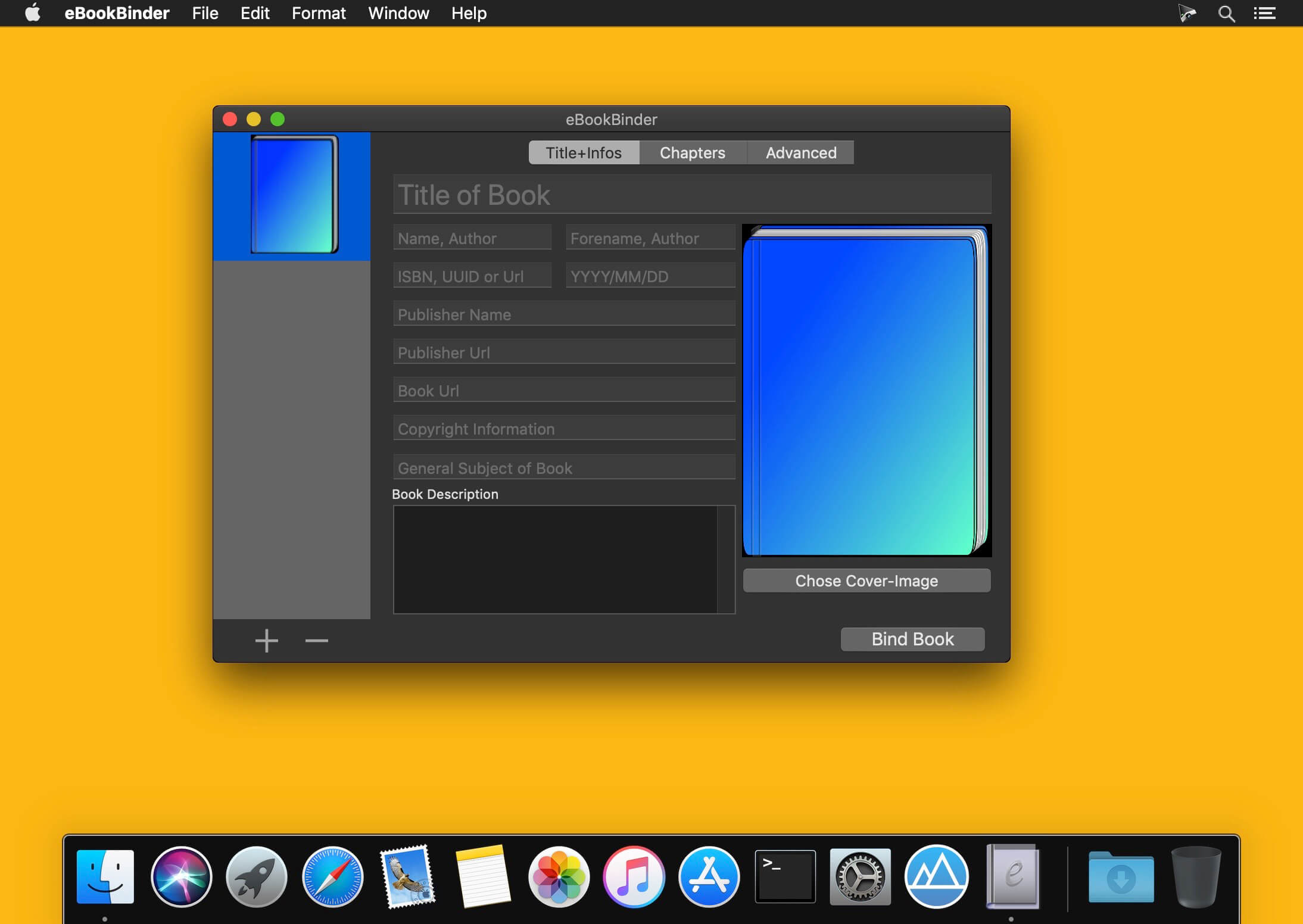
- eBookBinder supports several different types of text files. Next to plain-text files also DOC, ODT, RTF, RTFD, HTML, Textbundle, Textpack and webarchive files are supported by eBookBinder.
- Support of markup languages eBookBinder also accepts plain-text files written in Markdown, MultiMarkdown, Textile, Wikitext, and Smark as input. These will be converted on the fly when adding these as chapters to your book-process. Visit the preferences of eBookBinder to determine the file extensions which should be treated for conversion. All files with appropriate file extensions will be converted when imported.
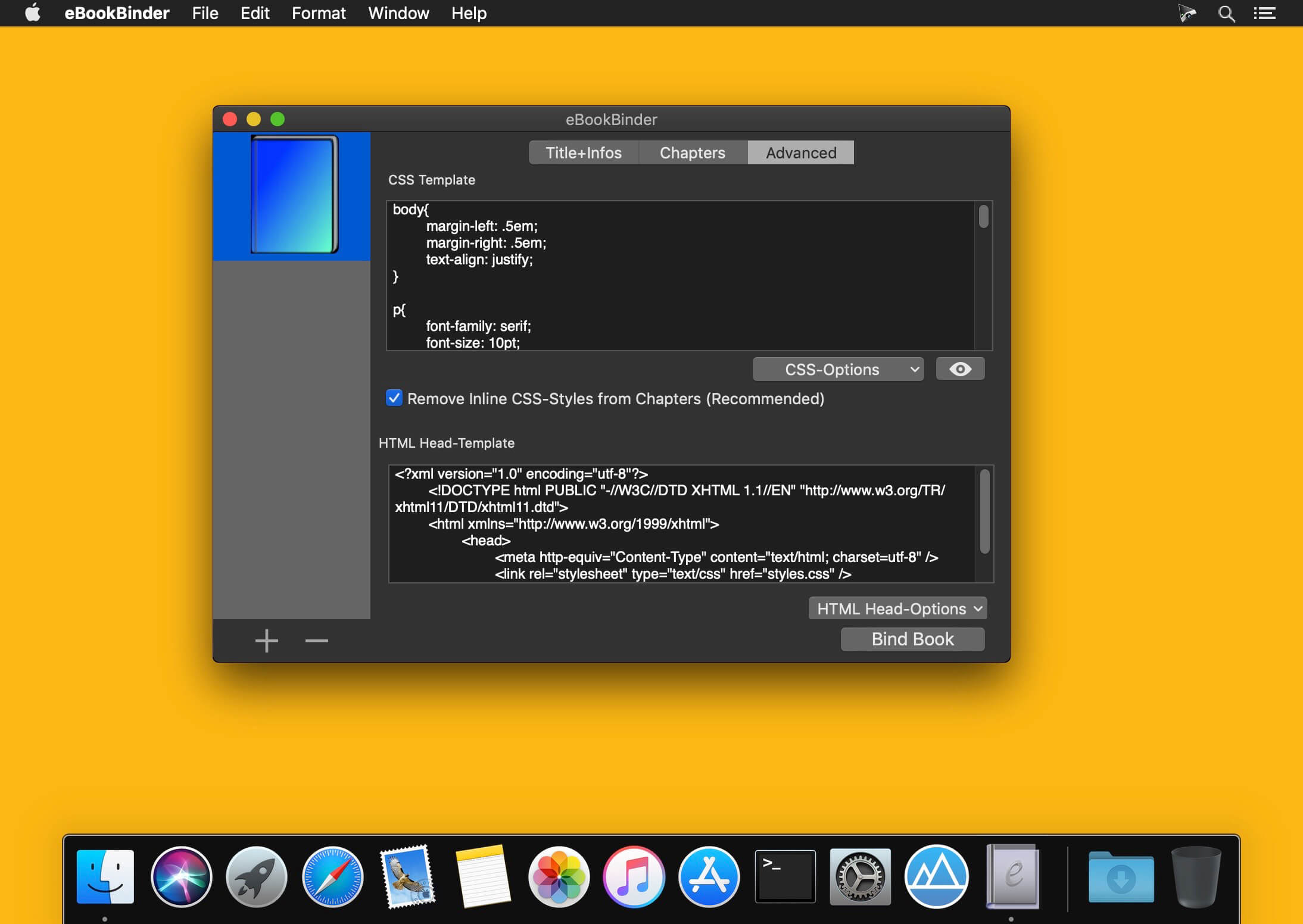
Built-in editor – eBookBinder also features a built-in editor which offers some basic editing features like setting text bold, inverse, or underlined, and alignment of text. However, the best feature of the editor is the reduce feature: select the text you want to keep and hit the reduce button. Anything not selected will be removed. This is ideal for editing web articles to remove all the advertising and navigation stuff quickly.
Tương thích: macOS 10.10 trở lên
eBookBinder 1.5.3
eBookBinder_1.9.0
eBookBinder_1.9.1
eBookBinder_1.10.0
eBookBinder_1.10.1
eBookBinder_1.11.0
eBookBinder_1.12.1
eBookBinder_1.12.2
eBookBinder_1.12.4
eBookBinder_1.12.7