
**MP4toolsMacOs – Tạo và chỉnh sửa file MP4 🎬✨**
Chào mừng bạn đến với thế giới sáng tạo video không giới hạn cùng MP4toolsMacOs! 🚀 Phần mềm đột phá này được thiết kế dành riêng cho người dùng MacBook, giúp bạn dễ dàng tạo mới và chỉnh sửa các file MP4 một cách chuyên nghiệp ngay tại nhà. 🏠 Giao diện thân thiện, trực quan, giúp cả người mới bắt đầu lẫn những người dùng có kinh nghiệm đều có thể làm chủ công cụ này. 🎨
Với MP4toolsMacOs, bạn có thể:
* Cắt, ghép, và sắp xếp các đoạn video một cách mượt mà. ✂️
* Thêm văn bản, tiêu đề và hiệu ứng chuyển cảnh ấn tượng. ✍️
* Điều chỉnh màu sắc, ánh sáng để video thêm phần sống động. 💡
* Xuất file MP4 với chất lượng cao, sẵn sàng chia sẻ lên mạng xã hội hoặc lưu trữ cá nhân. 🌟
**Yêu cầu Hệ thống Tối thiểu:**
Để trải nghiệm MP4toolsMacOs một cách tốt nhất, máy Mac của bạn cần đáp ứng các tiêu chuẩn sau:
* **Phiên bản macOS:** Yêu cầu tối thiểu là macOS 11 Big Sur trở lên. 📶
* **Cấu hình Phần cứng:** Máy Mac với chip Intel hoặc Apple Silicon (M1, M2, M3…), RAM 8GB trở lên, và dung lượng ổ cứng trống tối thiểu 5GB. 💾
MP4toolsMacOs – Công cụ đắc lực cho mọi ý tưởng sáng tạo video cá nhân của bạn! 💖 Tận hưởng sự tiện lợi và hiệu quả ngay hôm nay! 🎉
MP4tools là một nhánh của phiên bản hiện tại của MKVtools. Đây là một ứng dụng được sử dụng để tạo và chỉnh sửa video MP4. Nó được thiết kế chủ yếu để xử lý tệp video để sử dụng cho các thiết bị có khả năng phát video MP4 hoặc M4V, chẳng hạn như iPhone, iPad, Apple TV và PS3. Như tên có thể ngụ ý, MP4tools là một giao diện đồ họa cho nhiều công cụ hữu ích cho việc xử lý tệp video.
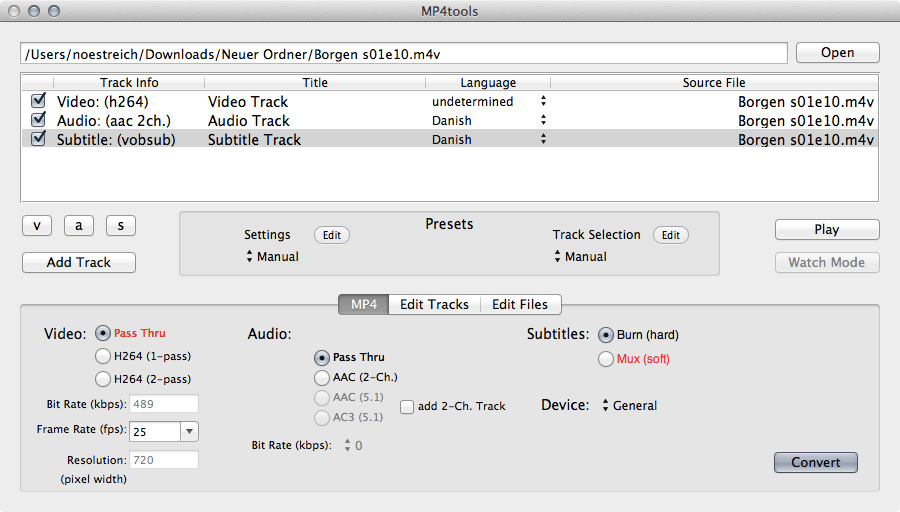
- Convert from a variety of video file formats like MKV, MP4, OGM, and AVI into MP4 videos.
- Can convert most videos without having to re-encode the video track and/or the audio track, so processing takes minutes instead of hours, and no quality is lost.
- Simplified, intuitive user interface that takes the guess work out of processing MP4 videos.
- Ability to convert various surround sound audio to 5.1 AC3 or 5.1 AAC.
- Intuitively select desired video, audio and/or subtitle tracks to process, with the ability to verify the selections using video preview.
- Use presets for one-step encoding for playback on common hardware such as the iPhone and Apple TV.
- Burn (i.e., hard code) subtitle tracks into the video, or mux (soft subtitles) from internal tracks or from external subtitle files commonly found on the internet.
- Control the font, size, and positioning of the embedded subtitles.
- Split MP4 videos into segments of a specified file size or by start/end time.
- Adjust the pixel aspect ratio of MP4 videos.
- Join MP4 videos.
- Extract the selected tracks from MP4 videos as individual video and/or audio files.
- Add jobs to a queue either individually or in batches via drag-and-drop so you can process multiple files overnight (registered copies only).
- Apply one setting to a group of files for easy batch creations (registered copies only).
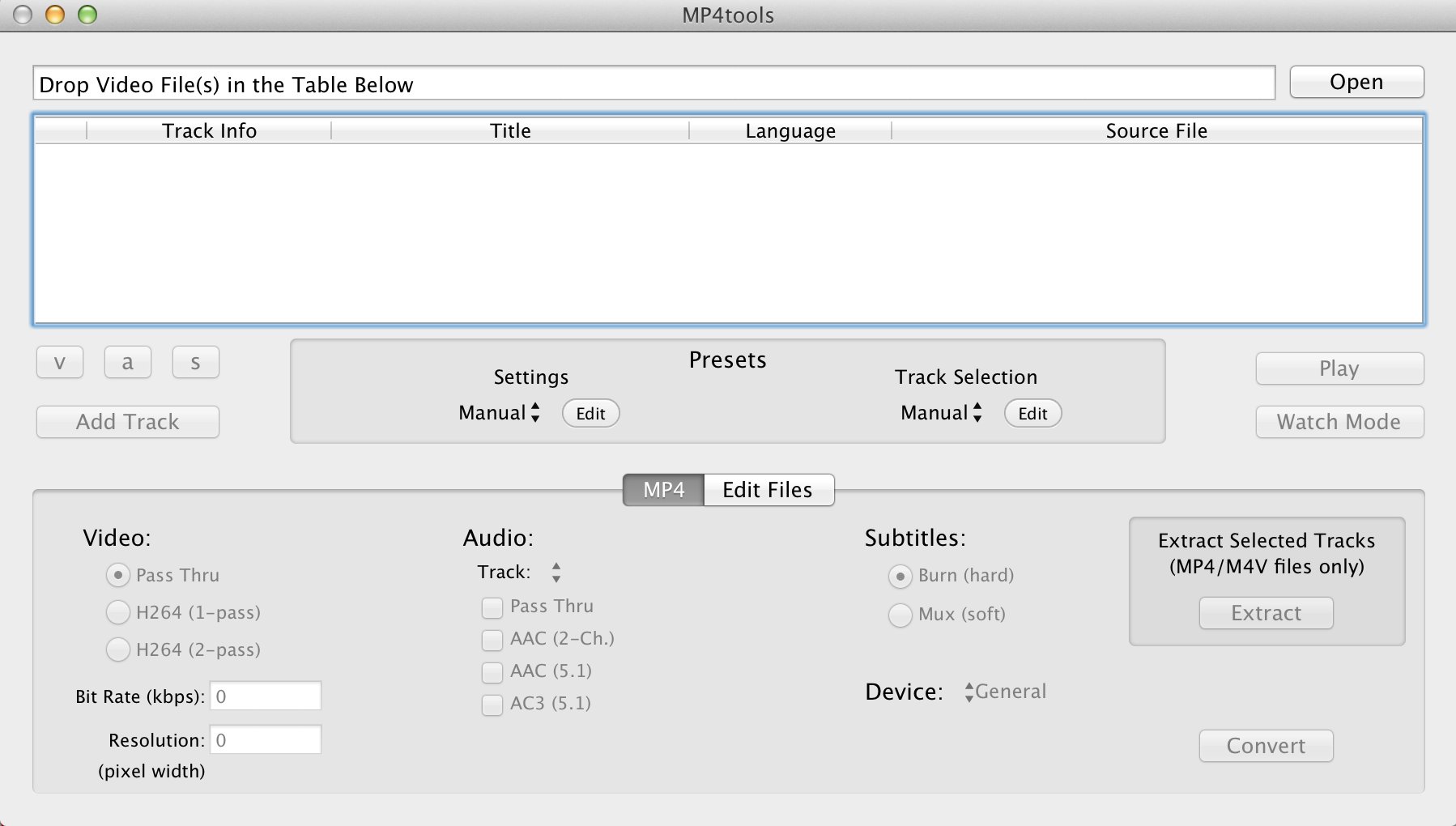
MP4tools v3.7.2